The Job List report module is used to display and export the master list of all projects registered in the ERP system. This report provides a quick and complete overview of all projects managed by the company.
1. Report Parameters (Filter)
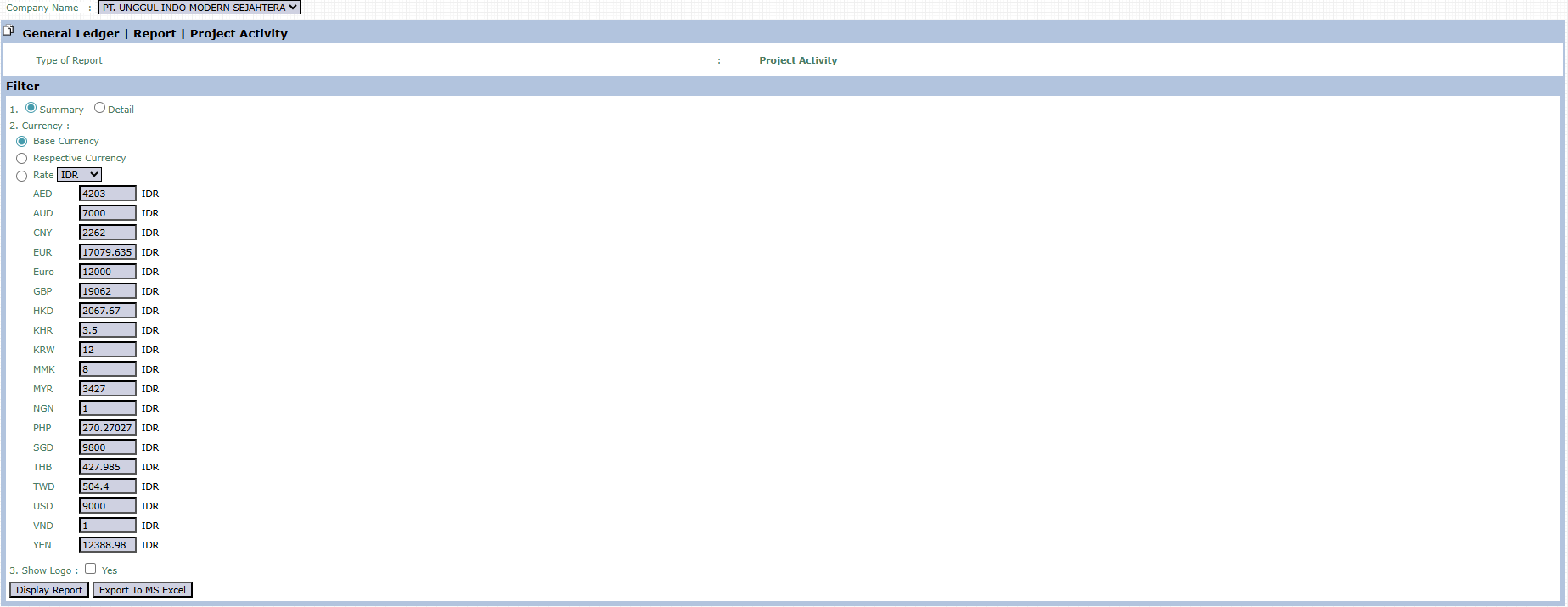
The main page of this module is a simple form containing several parameters to customize the report that will be generated.
Here is an explanation for each parameter:
Currency:
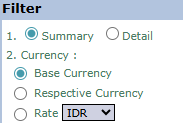
Choose how monetary values (if any, such as project value) will be displayed in the report.
Base Currency: Converts all values to the company's base currency (e.g., IDR).
Respective Currency: Displays values in the original currency of each project.
Show Logo:
Check Yes if you want to display the company logo on the generated report.
2. Steps to Generate the Report
Step 1: Set Report Parameters
Select the parameters you want in the Filter section.
Step 2: Generate the Report
After all parameters are set, click one of the two buttons in the bottom-left section of the page:
Display Report: To preview the project list directly on your screen.
Export To MS Excel: To download the complete list in an Excel file format.
Tips & Important Notes
This report functions as the master list for all projects registered in the system.
Use this report to get a quick overview of all projects in the company, both ongoing and completed.
The Export To MS Excel feature is very useful for creating summaries, custom reports, or for presentations about the company's project portfolio.



No comments to display
No comments to display