The Vendor Pricing Request module serves as a tool to create and send official price quotation request documents to suppliers (vendors). This module is used by the purchasing team to request the latest price list for specific items before creating or updating the purchase price list in the system.
1. Main View (Request List)
The main page of this module displays a list of all Pricing Request documents that have been created.
View Explanation & Filters
This page is for viewing and managing all pricing requests that have been sent to vendors.
Filters: You can search for a specific request by Code (Request Code) or a date range (Date From / Date To).
Request List: The table below will display all requests that match the filters, with columns such as Code, Vendor, Request Date, and Request Status.
Button Functions
New: The primary button to create a new Pricing Request.
Delete: To delete a selected request.
2. Steps to Create a Pricing Request
Step 1: Create a New Request
From the Main View, click the New button to open the Request | New - Step 1 form.
Step 2: Select Vendor and Items (Step 1)
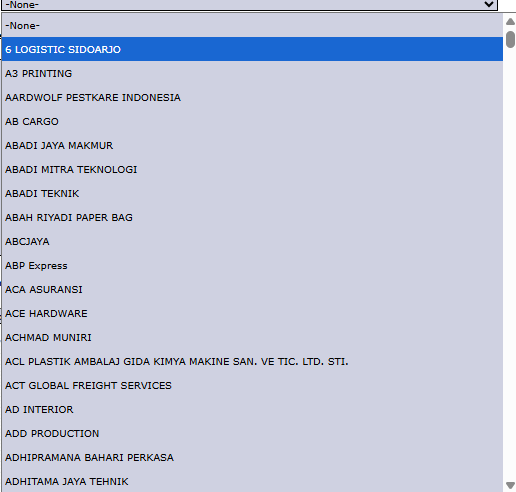
On the form that appears, select the Vendor from the dropdown to whom you will send the pricing request.
In the Available Item(s) section, select all the products whose prices you want to inquire about. Move the items from the left box to the Selected Item(s) box on the right using the >> button.
Click Next to proceed to the next step.
Step 3: Complete and Save the Request
On the next screen (not shown in the image), you will likely be asked to fill in additional details such as the request date and notes for the vendor, before finally saving the pricing request document.
Tips & Important Notes
Use this module to keep all price request processes to vendors well-documented within the system.
The document generated from here can be printed and sent officially to the vendor.
The response or price offer from the vendor to this request will become the basis for creating or updating the purchase Price List in the next module.




No comments to display
No comments to display