
BC 2.3 PJT
Customs Documents Module Guide
Module Location:
CEISA > Customs Documents > BC 2.3
How to Open
- Open Customs Documents.
- Select BC 2.3 PJT.
- The system will attempt to open the relevant page.
Page Display
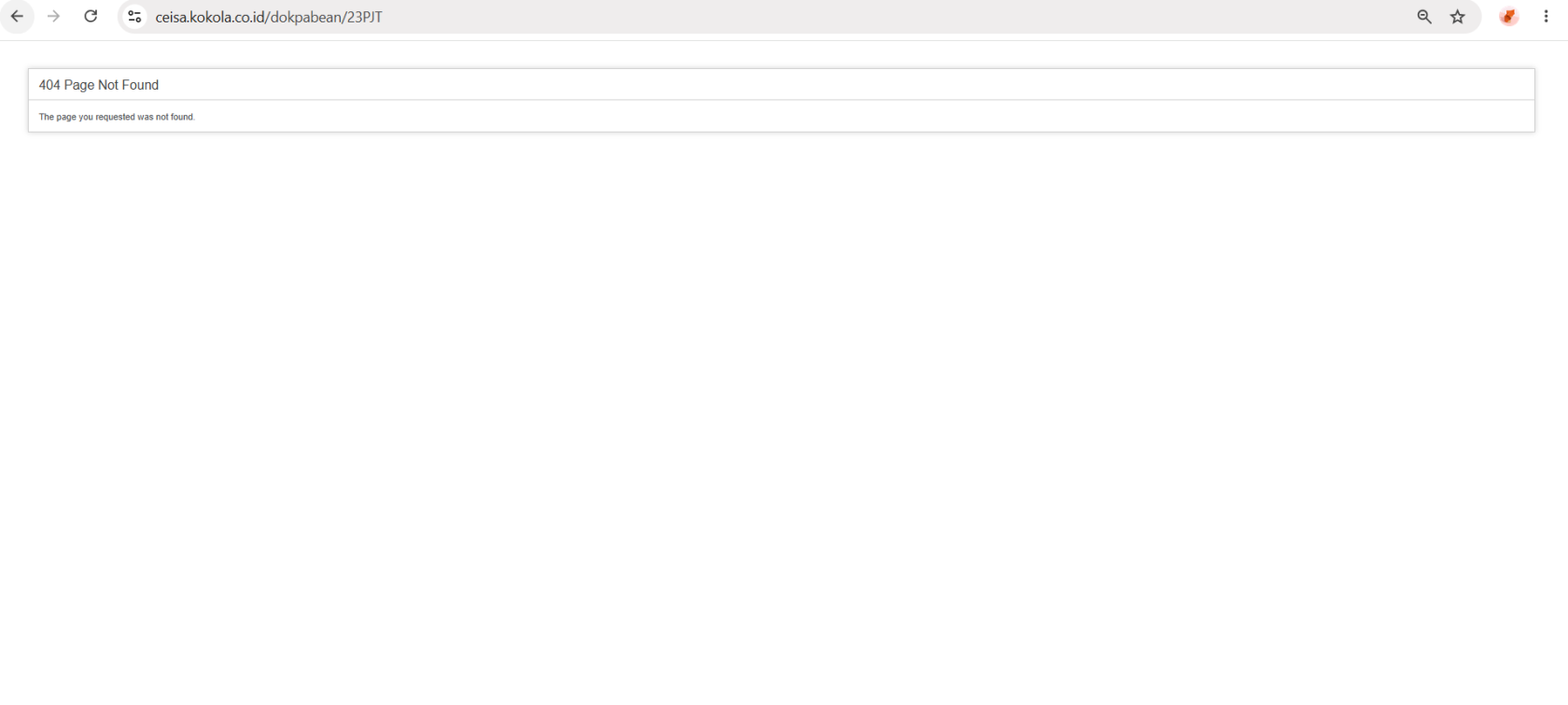
The BC 2.3 PJT page displays:
404 Page Not Found
This means the page cannot currently be found by the application.
Explanation of Conditions
- The “404 Page Not Found” message is different from the “no data available” condition.
- 404 Page Not Found: The page or route is not available.
- No data available in table: The page is available, but there is no data.
Usage Steps
If the page is available:
- Open BC 2.3 PJT.
- Select a time period.
- Search for the Application Number.
- Check the status.
- Retrieve the response if necessary.
- Proceed with the process according to the selected action.
Note
If the 404 error persists, contact the application administrator or IT team to check the BC 2.3 PJT page route.
No comments to display
No comments to display