
BC 3.3
Customs Documents Module Guide
Module Location :
CEISA > Dokumen Pabean > BC 3.3
Page Layout
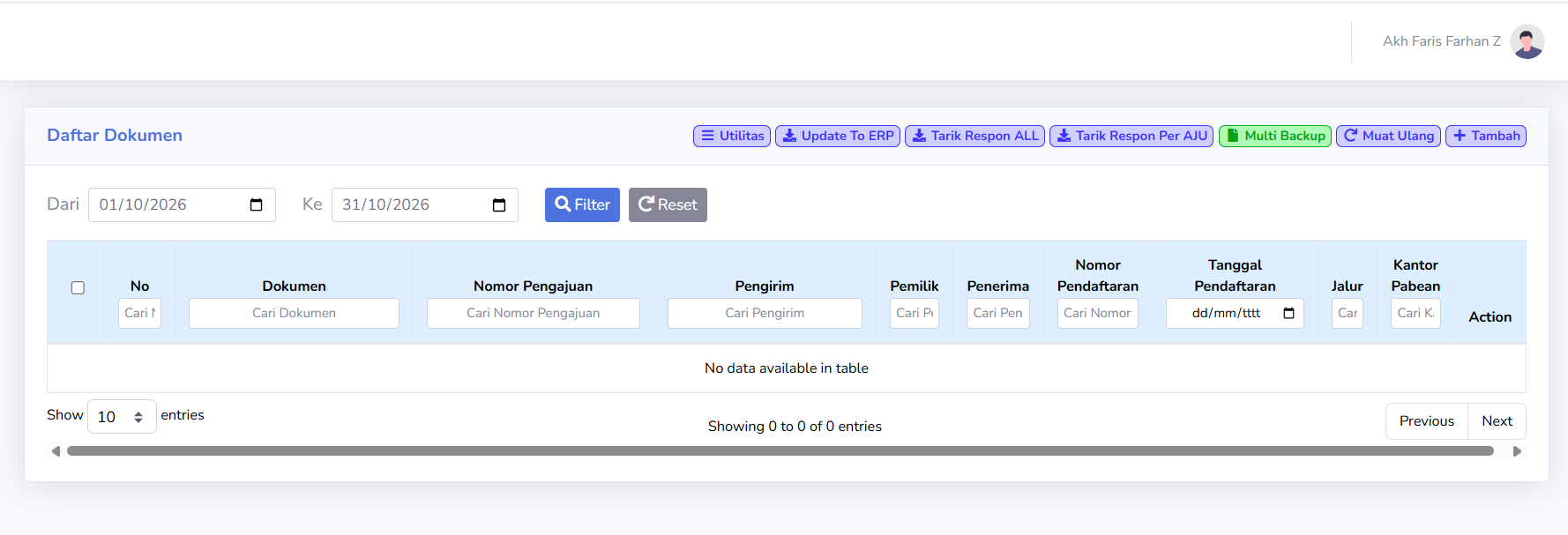
The page uses a Document List view, similar to other BC menus. On the BC 3.3 customs document page, there is no data for the selected period.
Usage Steps
- Open BC 3.3.
- Select a period.
- Click Filter.
- Search for the Application Number, if available.
- Retrieve the results.
- Check the export status.
- Ensure that the registration number is available.
No Data Condition
If the table displays:
No data available in table
change the search period or click Reset.
No comments to display
No comments to display