
Master SKEP
Customs Documents Module Guide
Module Location:
CEISA > Customs Documents > SKEP Master
Page Display
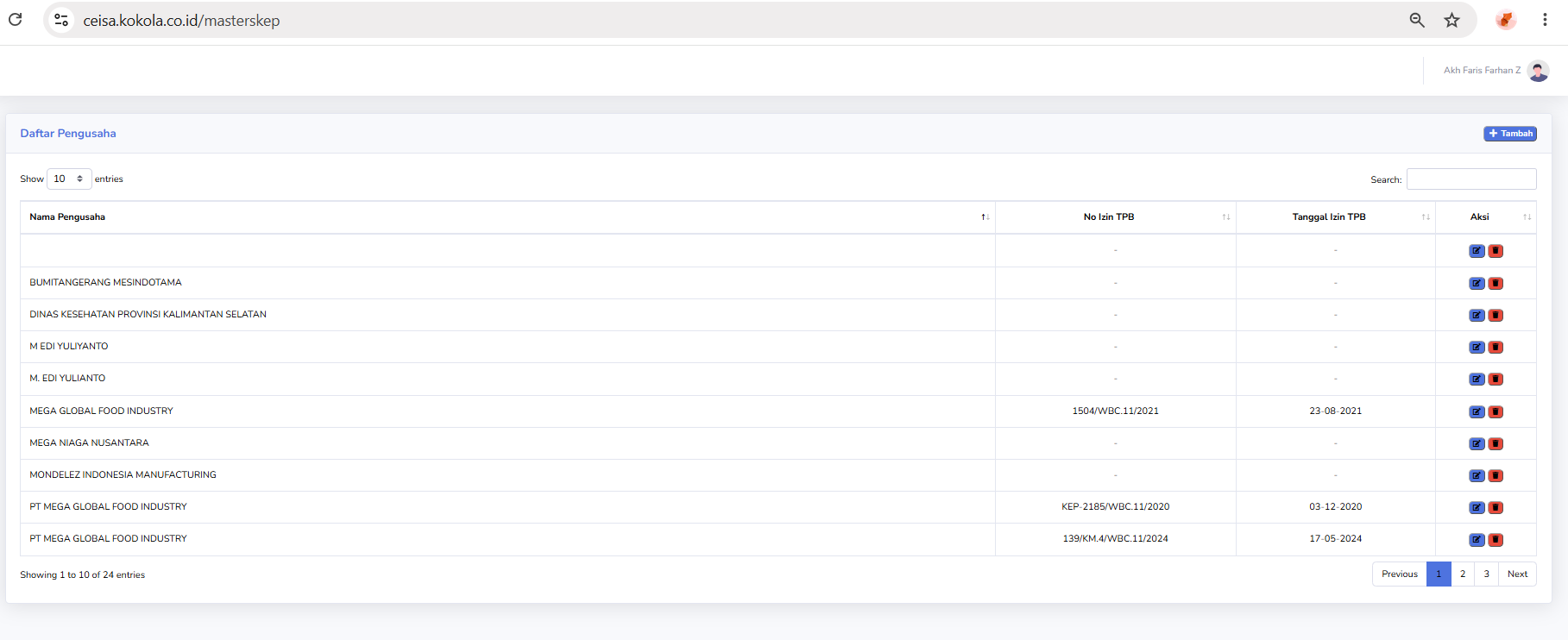
The display may include:
- List of SKEPs.
- SKEP Number.
- SKEP Date.
- Facility Type.
- Validity Period.
- Other related information.
- Column details should be adjusted to match the actual SKEP Master page.
Usage Steps
- Open the SKEP Master.
- Search for the required SKEP.
- Verify the SKEP number and information.
- Add or modify data if the user has access rights.
- Save changes.
Notes
Changes to the SKEP Master should be made by authorized users, as this data may serve as a reference for customs document processing.
No comments to display
No comments to display