BC 2.3 PJT
Customs Documents Module Guide
Module Location:
CEISA > Customs Documents > BC 2.3
How to Open
- Open Customs Documents.
- Select BC 2.3 PJT.
- The system will attempt to open the relevant page.
Page Display
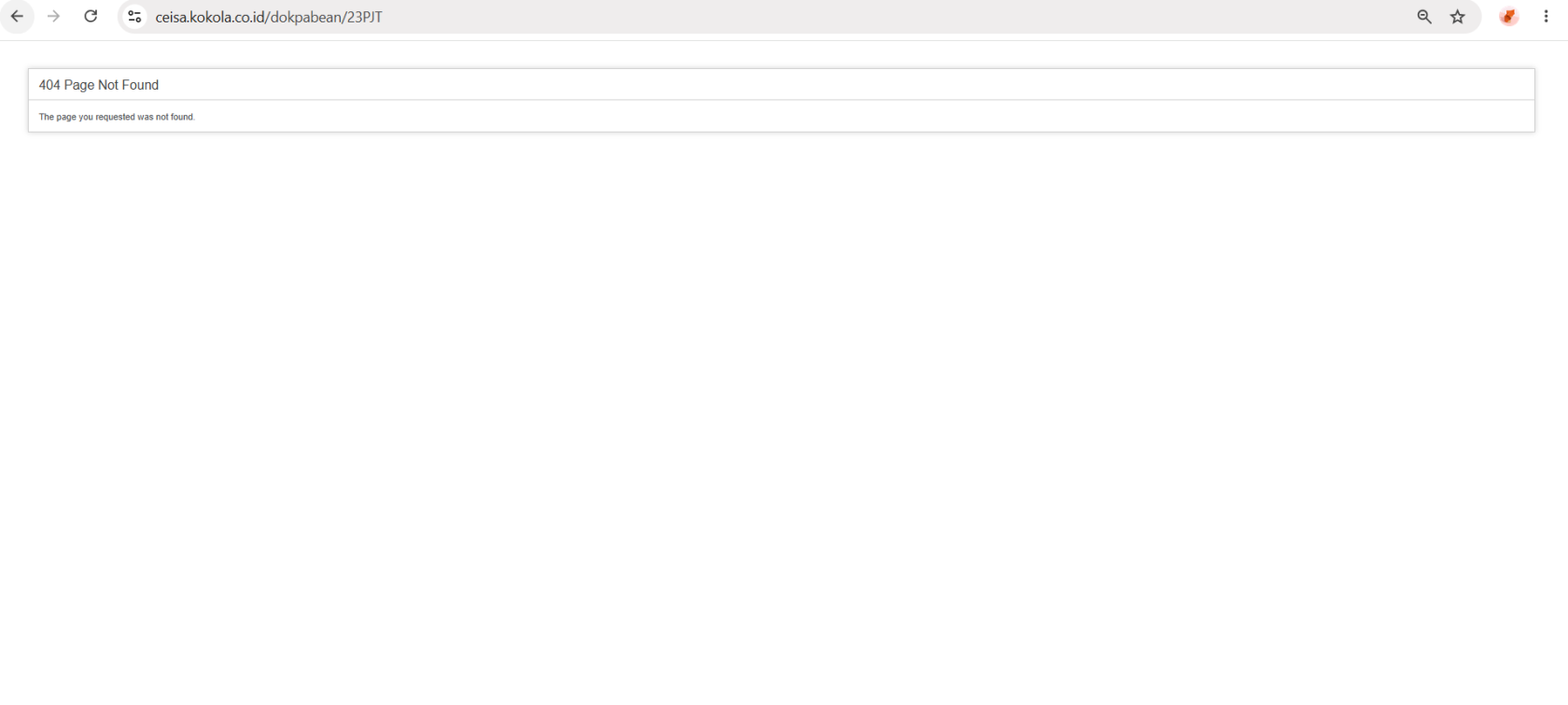
The BC 2.3 PJT page displays:
404 Page Not Found
This means the page cannot currently be found by the application.
Explanation of Conditions
- The “404 Page Not Found” message is different from the “no data available” condition.
- 404 Page Not Found: The page or route is not available.
- No data available in table: The page is available, but there is no data.
Usage Steps
If the page is available:
- Open BC 2.3 PJT.
- Select a time period.
- Search for the Application Number.
- Check the status.
- Retrieve the response if necessary.
- Proceed with the process according to the selected action.
Note
If the 404 error persists, contact the application administrator or IT team to check the BC 2.3 PJT page route.