
ESA UPDATE FORM
MIS Module Guide
Module Location:
Access Requisition > MIS > ESA Update Form
The ESA Update Form menu is used to retrieve specific data via the ESA Data Update form.
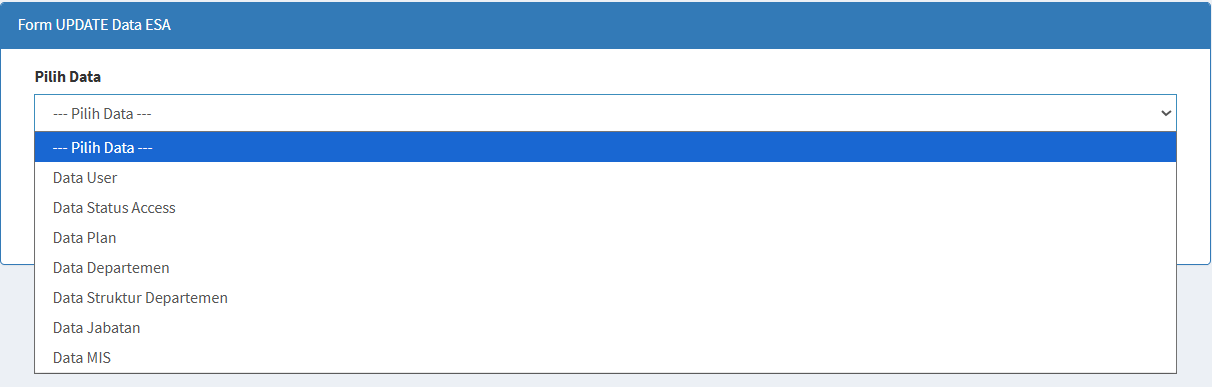
The page contains:
| Section | Description |
|---|---|
|
Select Data |
Used to select the type of data to be retrieved. |
| Get Data |
Used to run the data retrieval process based on the selection. |
For some data types, the system may display additional fields.
For example, when selecting “User Data,” the system displays:
Enter NIK (If Required)
The NIK can be used to retrieve data for a specific user.
The following rule applies:
A maximum of 1 NIK
No comments to display
No comments to display