
BC 4.0
Customs Documents Module Guide
Module Location:
CEISA > Customs Documents > BC 4.0
Page Display
Displays a list of submissions for goods entering the TPB.
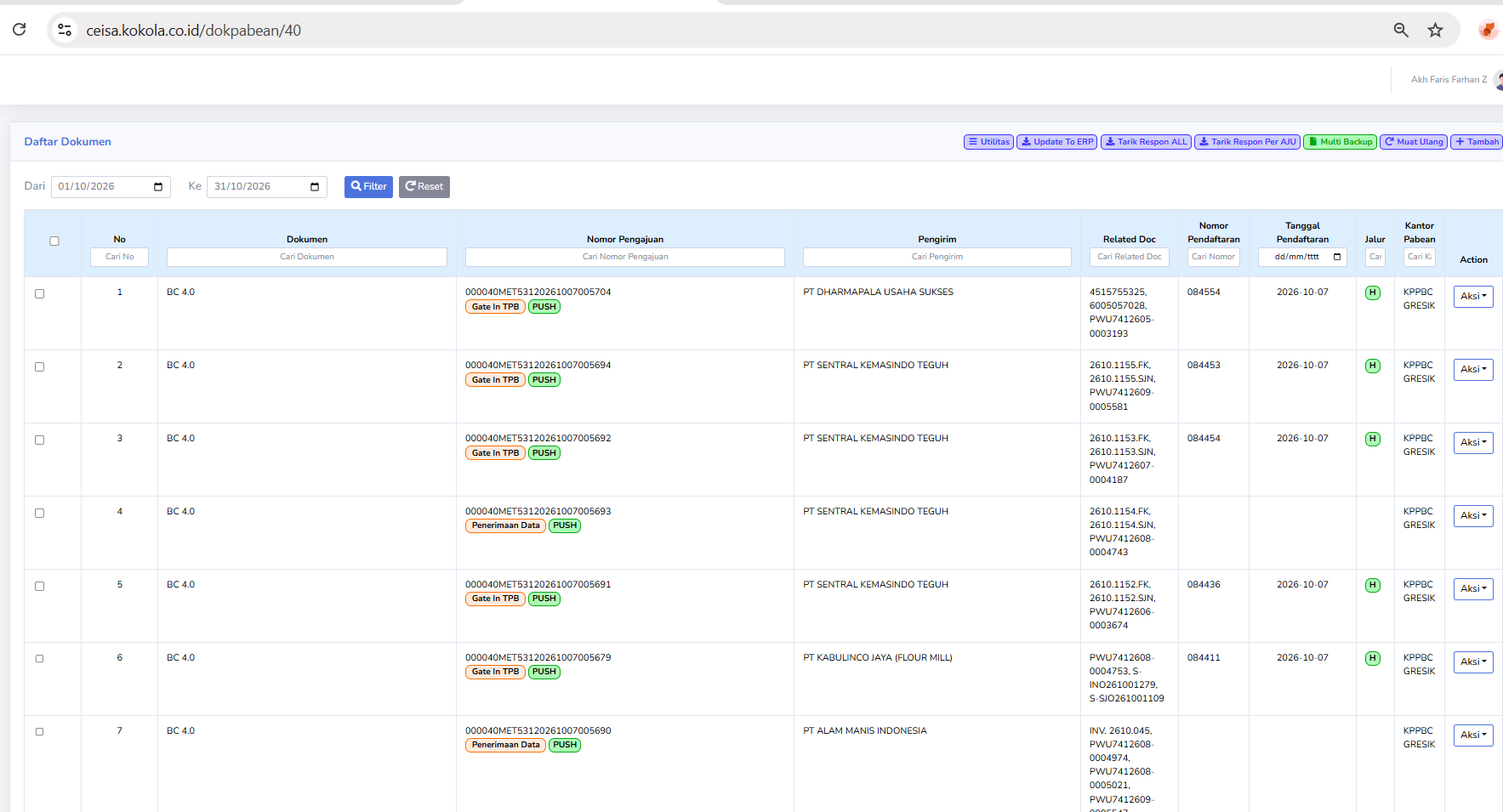
Column Descriptions
Columns may include:
- Document
- Submission Number
- Sender
- Owner
- Recipient
- Registration Number
- Date
- Route
- Customs Office
- Action
Usage Steps
- Select a period.
- Click Filter.
- Search for a declaration.
- Check the shipper and consignee.
- Retrieve the latest response.
- Check the registration number.
- Perform follow-up actions.