
Settings
Settings Module Guide
Module Location:
CEISA > Settings
Display
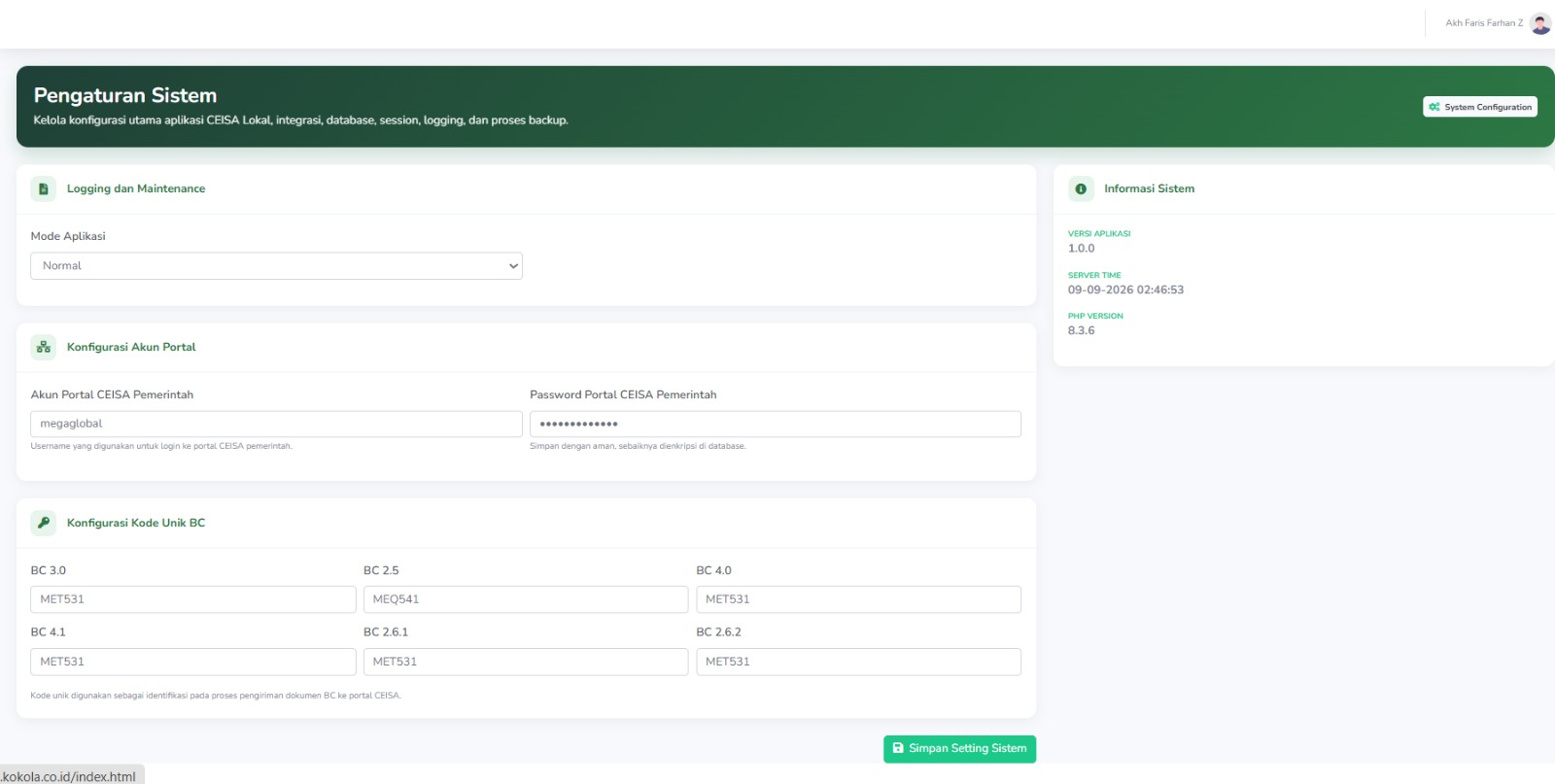
Explanation
- Application Mode
-
Normal: used when the application is operating as usual
- Maintenance: used when the application is undergoing maintenance or when the CEISA portal configuration is being updated
-
- CEISA Portal Account Configuration
This section is used to support the connection between the Local CEISA application and the Government CEISA system. - Unique BC Document Code
This unique code is used by the application as part of document identification during the submission process. - System Information
This section displays real-time system information, including the application version, server time, and PHP version