
BC 4.2
Customs Documents Module Guide
Module Location:
CEISA > Customs Documents > BC 4.2
Page Display
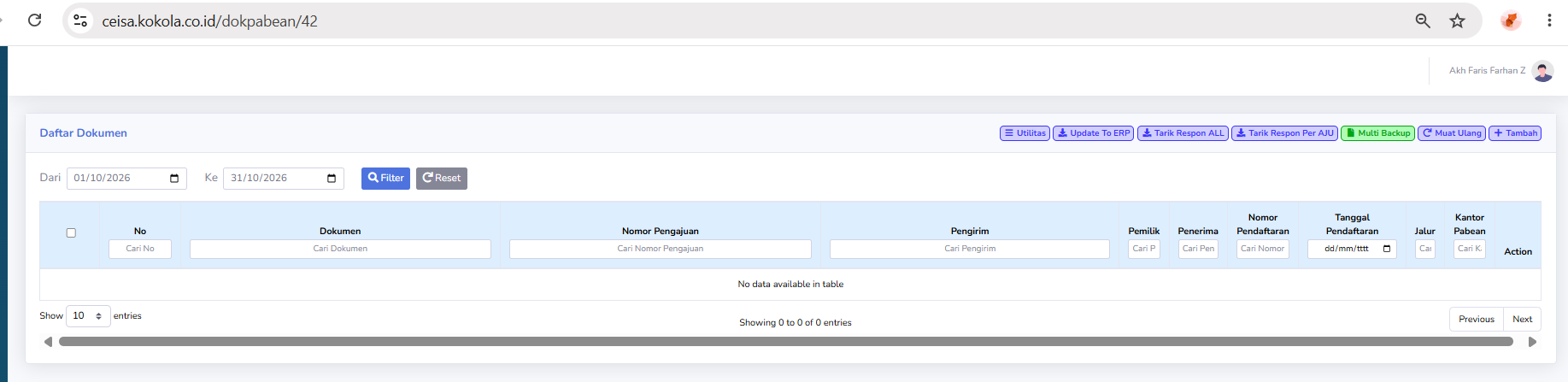
If the page is available, the system will display the BC 4.2 Document List.
Usage Steps
- Select BC 4.2.
- Specify the period.
- Click Filter.
- Search for the Application Number.
- Review the available data.
- Retrieve the response if necessary.
- Execute the Action according to the available process.
Notes
For the final version of the manual, the section on the BC 4.2 function should be adjusted once sample documents or explanations from operational users are available.