Dashboard
Module Guide: CEISA Dept
Module Location
Local CEISA > Dashboard
Module Objective
The CEISA module is designed to assist in centrally managing Kokola’s customs document administration process, from the creation and management of customs documents, the submission of documents to CEISA Customs, the monitoring and retrieval of document responses, to the synchronization of information with the company’s ERP system
Main Screen
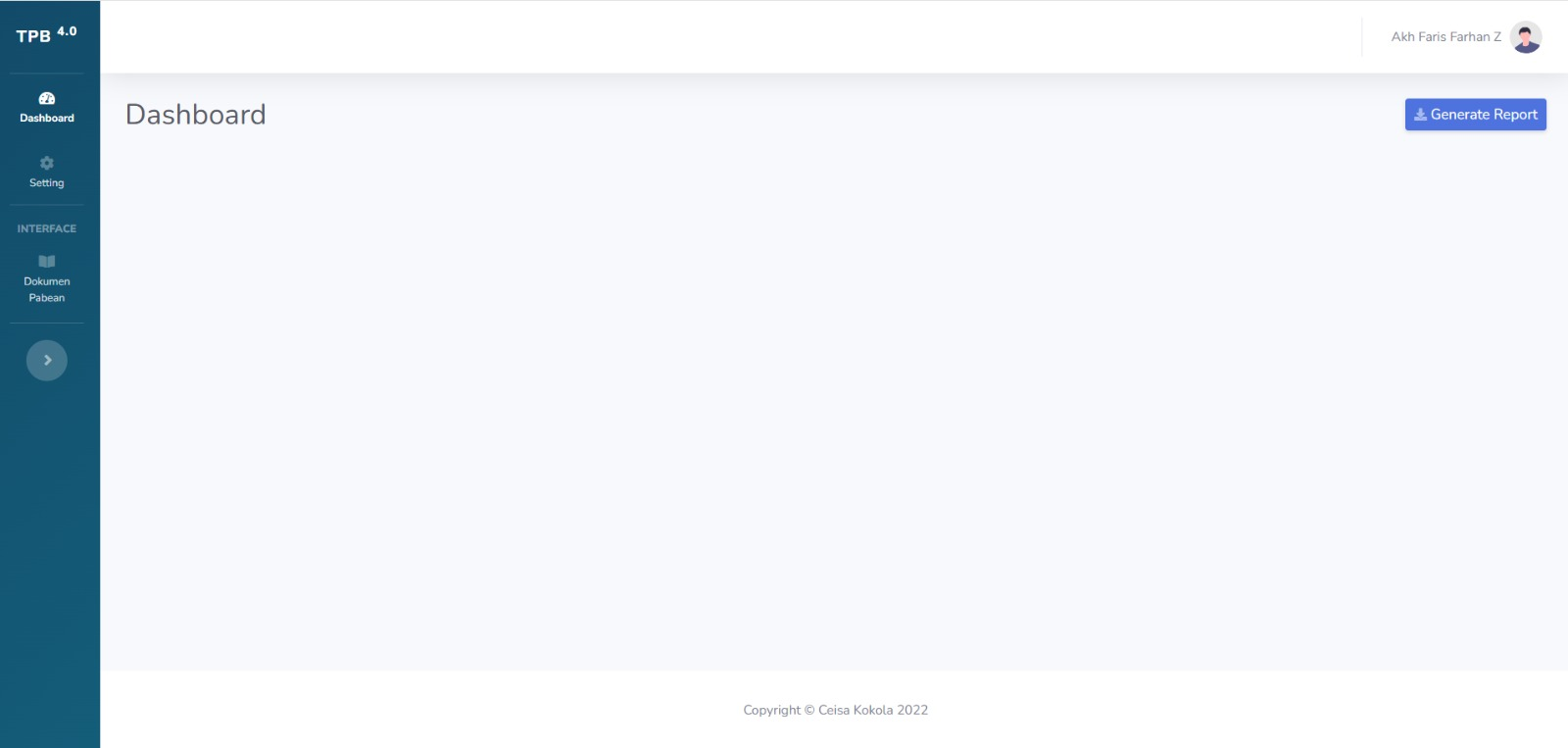
Description
The Dashboard is the main page displayed after a user successfully logs into the CEISA Local application. Through the Dashboard, users can access the main menus available based on their access rights. The current screen displays the following menus:
- Dashboard: Used to return to the application’s main page.
- Settings: Used to open system settings. This menu should only be used by authorized users or administrators.
- Customs Documents: Used to access and manage customs documents.
- Generate Report: Used to generate reports based on data available in the application according to the provided functions.